Why Some Products Are Moving Beyond Text Messages
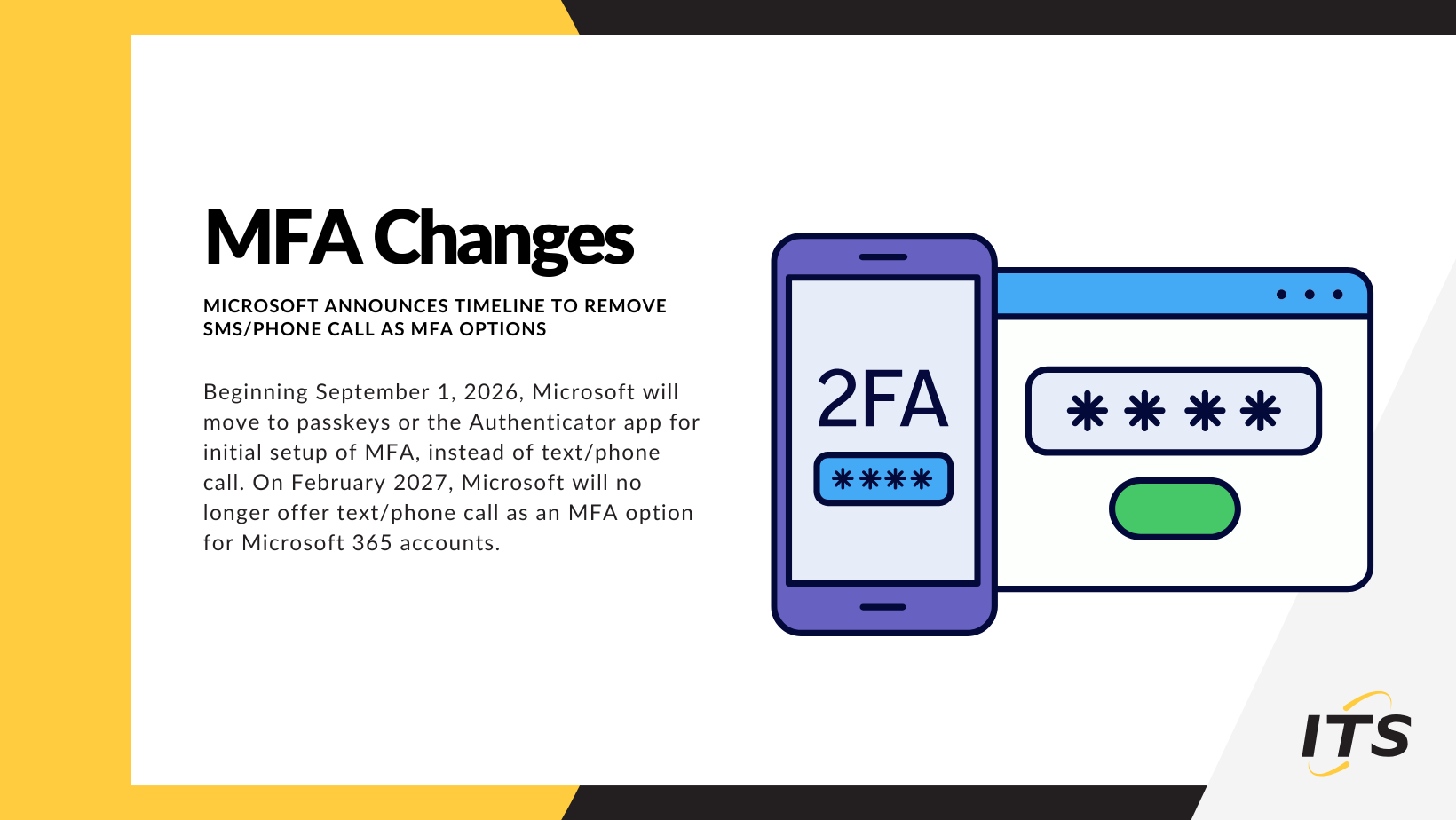
Microsoft recently announced that Microsoft Entra ID will make passkeys the default authentication experience beginning September 1, 2026, and will retire Microsoft-provided SMS text messages and voice-call authentication on February 1, 2027. The goal is to move organizations toward phishing-resistant authentication methods that are far more difficult for attackers to compromise.
Microsoft cites growing threats such as phishing, SIM-swapping, MFA bypass attacks, and AI-assisted social-engineering campaigns as driving forces behind the change.
Over the last two years, we’ve worked through multiple account compromise incidents where multifactor authentication was enabled, yet the attacker still successfully gained access. In nearly every case, the issue wasn’t that MFA failed; it was that the attacker found a way around it. Modern cybercriminals are increasingly targeting the user rather than the technology. In these situations, passkeys likely would have thwarted the attack. Passkeys are tied to the legitimate website and use cryptographic verification. A fake sign-in page cannot trick a passkey into authenticating to an imposter site because the passkey validates that it’s communicating with the real Microsoft service.
This is one of the primary reasons passkeys are referred to as phishing-resistant authentication.
Not All MFA Methods Are Equal
If you’re using MFA today, that’s a great start. But some authentication methods are considerably more secure than others.
MFA Methods Ranked by Security
1. Passkeys (Best)
Examples: Windows Hello, Face ID, Touch ID, Microsoft Authenticator Passkeys, FIDO2 passkeys
Why they’re best:
- Phishing-resistant by design
- Uses public-key cryptography
- No code to intercept or steal
- Private credential never leaves the device
- Faster and easier for users than passwords and codes
Microsoft is making passkeys its preferred authentication method because attackers cannot steal or replay the credential through a fake login page.
2. Hardware Security Keys (Excellent)
Examples: YubiKey, Google Titan Key, FIDO2 Security Keys
Why they’re excellent:
- Physical device required
- Highly resistant to phishing
- Recommended by NIST and many government security frameworks
- Often used in high-security environments
These are considered among the strongest forms of authentication available.
3. Authenticator Apps (Very Good)
Examples: Microsoft Authenticator, Google Authenticator, Duo, Authy
Why they’re strong:
- Codes are generated on the device
- Not dependent on cellular networks
- Not vulnerable to SIM-swapping
While not as strong as passkeys or security keys, authenticator apps remain an excellent option and are significantly more secure than text-message verification.
4. SMS Text Messages (Fair)
Examples: Six-digit code sent to your phone
Risks:
- SIM-swapping attacks
- Social engineering
- Message interception
- Phishing attacks
SMS MFA is still better than a password alone, but security experts have been warning about its weaknesses for years.
5. Voice Calls (Fair)
Examples: Automated phone call reads a code
Risks:
- Similar weaknesses to SMS
- Call forwarding attacks
- Social engineering
- Voice phishing scams
Microsoft now considers voice authentication among the least secure MFA methods.
What Microsoft Is Changing
Microsoft’s transition will occur in phases:
- September 1, 2026 – Passkeys begin rolling out as the default authentication experience for users currently relying on SMS or voice authentication.
- February 1, 2027 – Microsoft-provided SMS and voice authentication services are retired.
- Organizations that still require text messages or phone calls will need to use a third-party telecom provider.
For most organizations, Microsoft’s recommendation is straightforward: move users to passkeys, Windows Hello, FIDO2 security keys, or other phishing-resistant authentication methods.
Microsoft Isn’t Alone
Microsoft’s move reflects a broader industry trend.
Apple
Apple is taking a similar approach, even though it has not announced a specific retirement date for SMS-based MFA. Over the last several years, Apple has heavily promoted passkeys as the future of authentication, describing them as more secure, easier to use, and resistant to phishing attacks. The company has integrated passkeys throughout iOS, iPadOS, and macOS, expanded passwordless sign-in capabilities, and added support for FIDO-certified hardware security keys for Apple Accounts. Apple also leverages Face ID, Touch ID, and device-based cryptographic credentials to authenticate users without relying on text messages or phone calls.
Google has been aggressively promoting passkeys and passwordless authentication across consumer and enterprise services for several years. Google supports passkeys through Android devices, Chrome, and Google Workspace, and frequently recommends them over traditional passwords and SMS-based verification. While Google still supports SMS in some scenarios, its long-term direction clearly favors passkeys and stronger authentication methods.
Government and Security Standards
NIST, the U.S. National Institute of Standards and Technology, has repeatedly highlighted the limitations of SMS-based authentication and strongly recommends phishing-resistant authentication for higher-security environments. Modern Zero Trust security frameworks increasingly call for organizations to move away from SMS and voice verification toward cryptographic authentication methods such as FIDO2 security keys and passkeys.
Enterprise Security Programs
Many cyber-insurance providers, regulatory frameworks, and security standards are also placing increasing emphasis on phishing-resistant MFA rather than simply verifying that MFA exists. In other words, the conversation is shifting from**“Do you have MFA?”** to**“What type of MFA are you using?”**
What Should Organizations Do Now?
If your organization uses Microsoft 365, Microsoft Entra ID, or Azure, now is a good time to:
- Identify users who still rely on SMS or voice authentication.
- Encourage adoption of Microsoft Authenticator.
- Pilot passkeys or Windows Hello for Business.
- Evaluate FIDO2 security keys for administrators and high-risk accounts.
- Review authentication policies before Microsoft’s retirement deadlines.
Organizations that begin planning now will have a smoother transition than those waiting until enforcement dates arrive. ITS is working with our clients to provide reports of what each account is using for authentication and provide guidance on other available authentication methods.
Final Thoughts
For many years, text-message MFA represented a major security improvement over passwords alone. But cybersecurity threats have evolved, and so have authentication technologies. Microsoft’s decision to retire SMS and voice authentication reflects a growing industry consensus that phishing-resistant methods such as passkeys, Windows Hello, and security keys offer substantially better protection against modern attacks.
Microsoft’s announcement isn’t an isolated change. Apple, Google, and other technology providers have been investing heavily in passkeys and phishing-resistant authentication for several years. The industry is moving beyond the question of whether MFA should be enabled and toward a new question: what type of MFA is being used? The safest authentication methods increasingly rely on cryptographic credentials stored on trusted devices rather than codes delivered through text messages or phone calls.